Gemini Canvas vs Claude Artifacts: Which AI Builder Wins?
Quick answer: Gemini Canvas and Claude Artifacts both let you build and preview content inside an AI chat window, but they serve different needs. Gemini Canvas works best for quick prototypes, visual edits, and Google ecosystem users. Claude Artifacts excels at production-quality code, single-page apps, and complex documents. Choose based on your output needs, not hype.
Introduction
You just asked an AI to build a simple portfolio page. It gives you the code. Now what?
With most chatbots, you copy the code, paste it into a new file, open it in your browser, and go back and forth with more prompts when something breaks. That workflow works, but it is slow. Both Google and Anthropic noticed this pain point and built their own solutions. Gemini Canvas and Claude Artifacts each let you preview, edit, and refine output without leaving the conversation.
This article breaks down the Gemini Canvas vs Claude Artifacts comparison in detail. You will learn what each tool does, how they differ, and which one fits your workflow. By the end, you will know exactly which platform to open for your next project.
What Is Gemini Canvas?
Gemini Canvas is Google’s built-in workspace for editing and previewing AI-generated content inside Gemini. It launched in early 2025 as a direct answer to the growing demand for interactive AI workspaces.
When you ask Gemini to generate something, it can open the result in a Canvas view. This gives you a side panel where you can see the rendered output alongside the conversation. You can edit text, adjust code, and see changes in real time without sending a new prompt.
Canvas supports multiple output types. You can generate HTML pages, Python scripts, simple games, SVG graphics, React components, and plain documents. It works best for quick visual projects where you want to iterate fast and see results instantly.
What makes Canvas unique is its tight integration with the Google ecosystem. If you use Google Workspace, Gemini can pull context from your Docs, Sheets, and Gmail. The tool also supports uploading images and files directly into the canvas for reference. Google positioned Canvas as a lightweight, accessible builder for anyone who needs fast prototypes without leaving the browser.
What Are Claude Artifacts?
Claude Artifacts is Anthropic’s dedicated workspace for longer-form, higher-quality AI outputs. It launched in mid-2024 and has become one of Claude’s defining features.
When you ask Claude to write code, create a document, or build a web page, it can respond inside a dedicated artifact window. This window displays the full rendered output side by side with your chat. You can make edits, ask for refinements, and Claude updates the artifact in place.
Artifacts support a wide range of formats. You can generate full web applications with HTML, CSS, and JavaScript, interactive charts with D3 or Chart.js, React components, SVG illustrations, Mermaid diagrams, flowcharts, Markdown documents, and even LaTeX documents. Claude can produce multi-file projects by linking artifacts together within a single conversation.
The standout feature is code quality. Claude’s underlying models produce some of the cleanest, most reliable code among major AI assistants. When you build an app in Artifacts, the output is often production-ready with minimal cleanup needed. Combined with Claude’s generous context window, Artifacts shines for complex, multi-step development tasks where quality matters more than speed.
Key Differences Between Gemini Canvas and Claude Artifacts
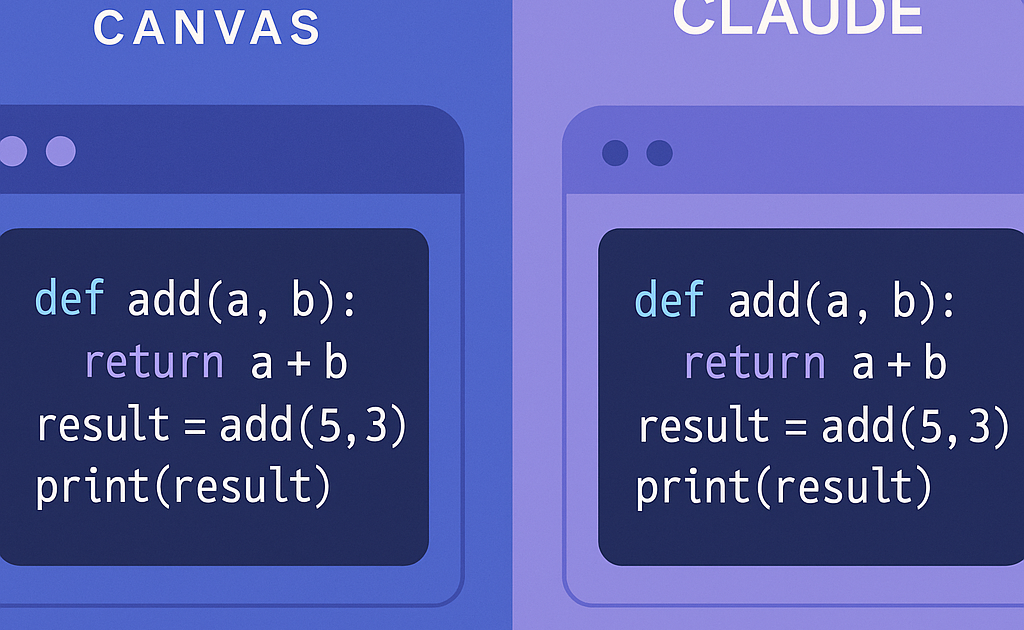
Gemini Canvas and Claude Artifacts differ in their interaction model, ecosystem fit, output quality, and supported content types. Each choice affects how you work day to day.
Interaction model. Canvas feels more like a collaborative document editor. You can click anywhere and start typing. Changes appear instantly without a full regenerated response. Google designed it for rapid, casual iteration. Artifacts works as a conversation-driven workspace. You tell Claude what you want, it produces the artifact, and you refine through dialogue. The artifact updates as a response, not as a live document. This makes Canvas better for fast visual tweaks and Artifacts better for thoughtful, guided development.
Ecosystem and availability. Canvas is exclusive to Gemini, which means free and paid users on the web and mobile apps can access it. If you already use Google Workspace, Gmail, Google Drive, or Google Docs, Canvas feels native. Claude Artifacts lives inside the Claude web app and mobile app. It requires a Claude Pro or Team subscription for heavy use, though free users can access artifacts at a lower rate. Anthropic also offers an API for developers who want to build custom artifact functionality into their own apps.
Code quality and output types. This is where the distinction matters most. Claude Artifacts produces noticeably better code for complex applications. Claude handles state management, error boundaries, responsive layouts, and accessibility concerns more consistently. For simple projects, both tools produce similar results. But for a single-page application with interactivity, real-time data, or multiple views, Artifacts has the edge. Canvas offers more variety in output types overall, including SVG, documents, and scripts, but the depth per output type favors Artifacts for code-heavy work.
When to Use Each Tool
Choosing between them depends on what you are building and how you like to work.
Use Gemini Canvas when:
- You need a quick prototype or mockup. Getting a visual up in seconds matters more than polish.
- You are already in the Google ecosystem and want to pull data from your Gmail, Drive, or Workspace files.
- You prefer direct editing. Click on a paragraph, rewrite it, and move on without a chat interaction.
- You want to generate SVG graphics, simple games, or interactive visuals for social media or presentations.
- You are on a free tier or casual usage plan and want zero-friction access to an AI workspace.
Use Claude Artifacts when:
- You are building a real web application with multiple components and interactivity.
- You need production-quality code with proper structure, error handling, and maintainability.
- You want to generate complex visualizations, technical diagrams, or documentation alongside your code.
- You plan to iterate through multiple rounds of feedback and want Claude to remember the full project context.
- You write LaTeX, Markdown, or technical reports and want one tool that handles them all.
Limitations of Each Platform
Both tools have honest tradeoffs you should know before committing to one.
Gemini Canvas limitations. The code quality lags behind Claude for anything beyond simple prototypes. State management, edge cases, and responsive design often need manual fixes. Canvas lacks fine-grained version history. If you make a series of edits, you cannot step back to a specific point. The output file format support is narrower than what Claude offers, especially for data visualization and technical documents. Some users report that Canvas slows down with larger projects or complex SVG outputs.
Claude Artifacts limitations. The conversation-driven model can feel cumbersome for quick edits. Every tweak requires a new message and a full regeneration. There is no direct “click to edit” mode like Canvas offers. Artifacts are tied to the conversation, so closing or losing the chat means losing your work unless you export. The free tier is restrictive. Heavy users will need a paid plan to work comfortably. And unlike Canvas, Artifacts does not integrate with an existing productivity suite, so you cannot pull in data from your work apps.
Frequently Asked Questions
Q: Is Gemini Canvas free?
A: Yes. Gemini Canvas is available on the free tier of Google Gemini. Paid Google One AI Premium subscribers get additional features including higher usage limits and access to Gemini Advanced models for better quality outputs.
Q: Do Claude Artifacts cost extra?
A: No. Artifacts are included with all Claude accounts. Free users get a limited number. Pro and Team subscribers get higher limits and access to Sonnet and Opus models.
Q: Can I export my work from both tools?
A: Yes. Both allow you to copy or download your output. Canvas provides a share link. Artifacts lets you copy code, download files, or share artifact links.
Q: Which tool is better for learning to code?
A: Claude Artifacts is generally better. Its code quality and structure serve as better examples. Claude also explains its reasoning more thoroughly.
Q: Can I collaborate with others in real time?
A: Canvas supports shareable links and basic collaboration. Artifacts does not support real-time collaboration. You can share artifact links, but both users cannot edit simultaneously.
Q: Which one should I pick for work projects?
A: For professional development, start with Claude Artifacts. For document creation, quick mockups, and Google ecosystem integration, use Gemini Canvas.
Conclusion
Gemini Canvas and Claude Artifacts both solve the same fundamental problem. They let you see what the AI built without leaving the conversation. But they approach it from opposite directions. Canvas is a fast, visual editor for quick iterations and Google-powered workflows. Artifacts is a deep, conversation-driven builder for high-quality code and complex projects. The right choice depends on what you value. If speed and ecosystem integration matter most, go with Canvas. If code quality and project depth matter more, pick Artifacts. Either way, you are moving past the old copy-paste cycle. That alone is a win.