This is my hands-on experiment with fine-tuning LLM models on my own data.
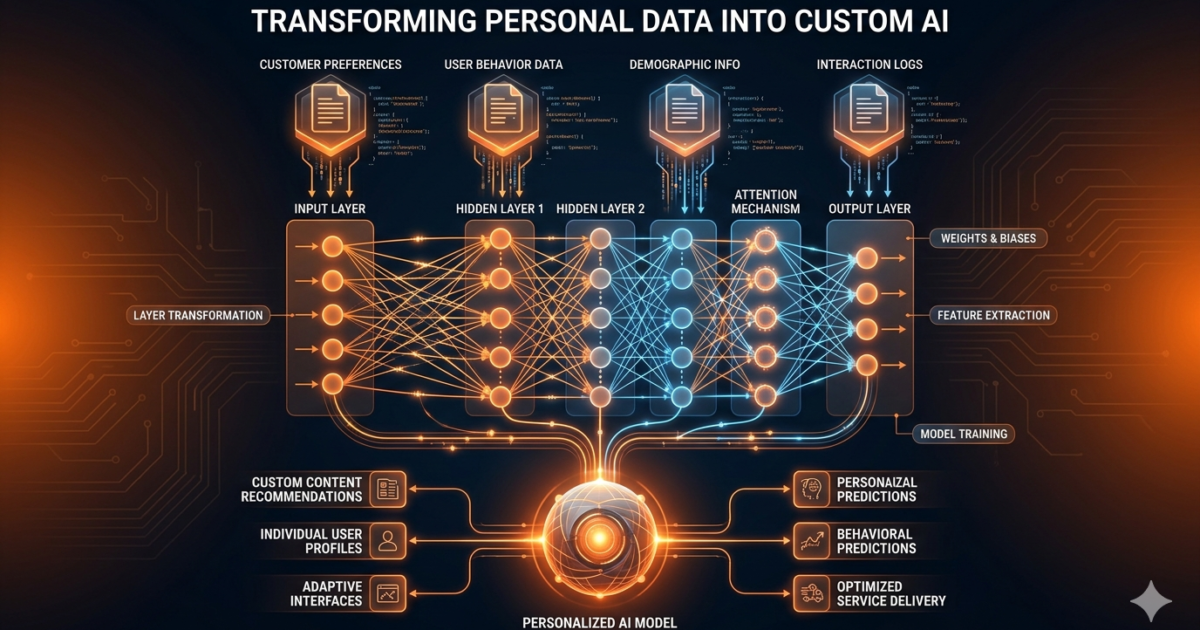
I decided to fine-tune an LLM on my own data — two weeks of training on my personal notes and documentation using Llama 3.1 and Unsloth. This is the honest story of what it takes to fine-tune an LLM, what worked, what didn’t, and whether it was worth the GPU hours.
Why I Decided to Fine-Tune an LLM
I work with AI tools every day. I’ve got notebooks full of prompts, scripts, configurations, and random experiments. The problem is that none of this exists in any model’s training data. ChatGPT doesn’t know about the custom workflow I built for my blog posts. Claude doesn’t know about the specific API quirks of tools I use.
I wanted a model that knew my stuff. Fine-tuning seemed like the obvious answer.
The Setup
I used a rented A100 GPU on RunPod. Cost: about $0.79 per hour. Total cost for the project: roughly $25 in compute.
The model I chose to fine-tune was Llama 3.1 8B. Small enough to be practical, large enough to be useful. For the fine-tuning framework, I used Unsloth, which dramatically reduces VRAM usage and training time.
My dataset was approximately 1,500 examples — a mix of:
- My blog post drafts and outlines
- Q&A pairs about my workflows
- Documentation from tools I regularly use
- Examples of my writing style
The Fine-Tuning Process
Step 1: Data Preparation
This took longer than the actual training. I’d estimate 70% of my time went here.
The data needs to be in a specific format for instruction fine-tuning. I used the Alpaca format — a prompt, an instruction, and a response. Each example looks roughly like:
Below is an instruction that describes a task. Write a response that appropriately completes the request.

### Instruction:
What's my system for drafting blog posts?

### Response:
I start by writing a rough outline with the main points I want to cover. Then I do a stream-of-consciousness first draft...
Cleaning the data was the hard part. Some of my notes were messy, incomplete, or contradictory. I had to go through and remove duplicates, fix formatting, and make sure the Q&A pairs actually made sense.
Lesson learned: You don’t need a million examples. 500 good ones are better than 10,000 bad ones.
Step 2: Training
The actual training took about 4 hours for 3 epochs over the 1,500 examples. Unsloth’s 4-bit QLoRA made this possible on a single A100.
Key hyperparameters I used:
- LoRA rank: 16
- LoRA alpha: 32
- LoRA dropout: 0.05
- Learning rate: 2e-4
- Batch size: 4
- Gradient accumulation steps: 4
The training loss went from 1.8 to 0.4 over the three epochs. Nice curve, no overfitting visible.
Step 3: Evaluation
Here’s where things got interesting.
I asked my fine-tuned model questions about my workflows. The responses were… fine. They incorporated the right terminology. They mentioned the right tools. They followed my general style.
But they weren’t dramatically better than what I could get from a well-crafted prompt with context.
The Honest Results
What improved:
- The model uses my terminology correctly
- Response structure matches my writing style
- It knows about tools and workflows that aren’t in general training data
- Consistency improved — same question gets similar quality answers
What didn’t improve:
- Factual accuracy wasn’t noticeably better
- Reasoning ability stayed the same
- It still hallucinated about specifics it didn’t know
- The model couldn’t generalize to new situations it hadn’t seen in training
The biggest surprise: Prompting a base model with 3-5 examples (few-shot) often matched or beat the fine-tuned model on specific tasks. Fine-tuning gave it familiarity, but few-shot prompting gave it precision.
When Fine-Tuning Actually Makes Sense
After this experience, here’s my honest take on when to fine-tune vs. when to use other approaches:
Fine-tune when:
- You need the model to consistently adopt a specific tone or style
- You have a large corpus of domain-specific language (legal, medical, technical)
- You’re deploying at scale and can’t afford to include long prompts with every call
- The knowledge you need doesn’t change often (don’t fine-tune on ephemeral data)
Don’t fine-tune when:
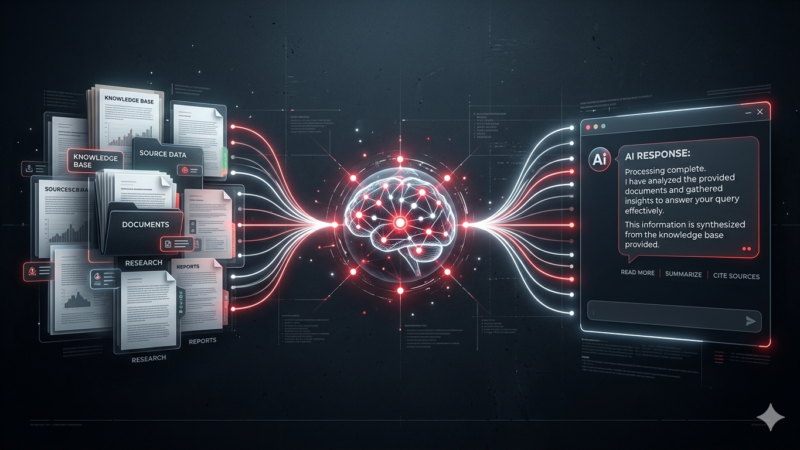
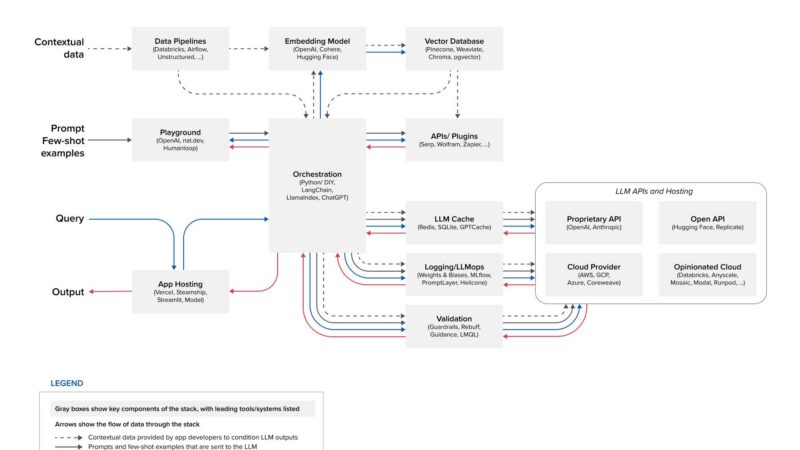
- You just need the model to know your specific documents (use RAG instead)
- Your dataset is under 500 high-quality examples
- You need the ability to update knowledge frequently
- You’re not sure what you need yet (prototype with RAG first)
What I’d Do Differently
If I were to do this again:
1. RAG first, fine-tune second. I should have built a RAG system on my notes and tested it before committing to fine-tuning. RAG would have solved 80% of my use case in a fraction of the time.
2. More careful data curation. Some of my examples were noisy. I should have spent even more time cleaning and validating the training data. Fine-tuning amplifies everything — good data and bad data alike.
3. Evaluate systematically. I evaluated by intuition. Next time I’d create a proper test set and measure specific metrics before and after.
4. Try a smaller LoRA rank first. Rank 16 was probably overkill for my dataset size. Rank 8 or even 4 might have worked just as well with less risk of overfitting.
The decision to fine-tune an LLM is rarely straightforward — it’s almost always worth testing RAG first. Before you fine-tune an LLM, read our guide on RAG to see if it solves your problem with less effort and cost. If you decide to run fine-tuned models locally after you fine-tune an LLM, our guide to running AI models locally covers the hardware and tooling setup.
For the actual training code, Hugging Face’s PEFT documentation is the most practical resource for fine-tuning LLMs with limited GPU resources.
The Bottom Line
Fine-tuning works. But it’s not the magic bullet I thought it was.
For most practical use cases — especially if you’re working with your own documents, notes, or knowledge base — start with RAG. It’s faster, cheaper, and more flexible. Only reach for fine-tuning when RAG can’t deliver what you need.
My fine-tuned model is sitting in a storage bucket now. I use it occasionally, but my daily driver is still a combination of good prompting and RAG. The fine-tuning was an education, and I’m glad I did it, but it’s not the first tool I’d reach for anymore.
Related: RAG as an alternative to fine-tuning and running models locally.